


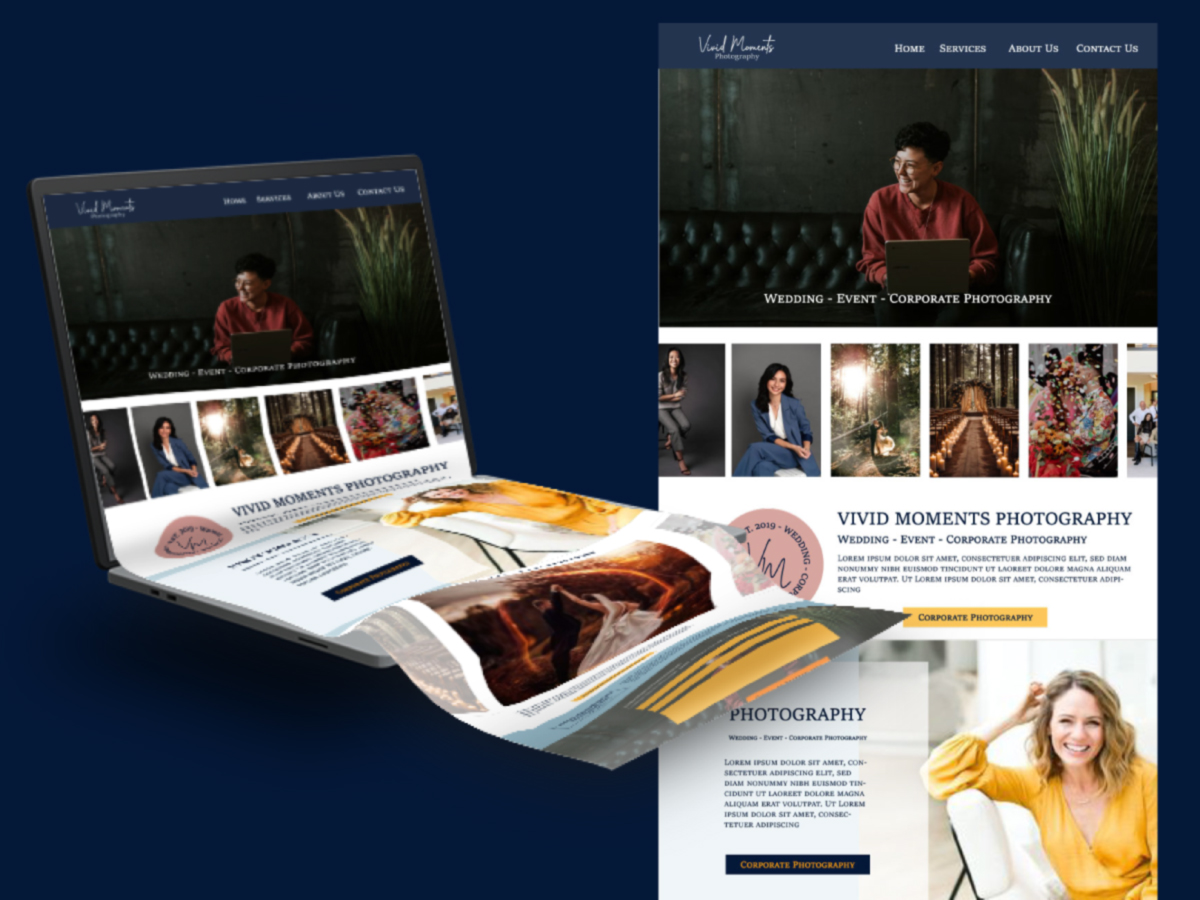
Start the New Year Right! Check out the Most-have Updates for Your Website in 2026.
Updated: January 23, 2026
As the days pass by and we are almost in FEBRUARY, we need to keep our website up to date!
Today is the time to ensure your website is in top shape to represent your brand effectively. Here are 3 essential updates every website owner should implement to stay relevant and maintain a professional image.
As business owners who manage their own website, we need to understand that the three steps mentioned here are essential to have a consistent scan from search engines. If a Search engine “believes” your website is not being used, they will stop showing your pages in online searches!
A general refresh of your website should be done every 5 to 6 years. All while the monthly updates on your website keep it up to date on your sales, promotions, and general services. Also, ensuring your SEO is working to attract the right clients online.
Now let’s talk about the so-mentioned three must-haves at the beginning of the year!
1. Update your Copyright Year
Your website’s copyright symbol and year aren’t just legal formalities; they signal to visitors and search engines that your site is current and actively maintained. An outdated copyright year can make your website appear neglected and could affect your credibility with potential clients!
It doesn’t matter that your business doesn’t have a trademark; as long as the information and photos are yours, you are entitled to the copyright of the information on your website. So, add it to your Footer!
Action step:
- Update the footer of your website to include the current year.
For Example © ATamez Design LTD 2026. It’s really that simple, put the little c figure, then the legal name or your company (or the name you use for it), and the current year! - Ensure the change is reflected across all pages. Sometimes, when we DIY our website, we tend to add different menus and footers. You need to ensure all the pages or versions of the footers have the correct date!
- Add a Calendar reminder! If, after January 1st, you take a couple of days off, that’s ok. Put the reminder on the most likely date you will be back at your business office, and make the necessary changes!
For more information about this check out the blog post from Copyrightlaws.com
2. Check for Year References on Every Page
Your website might have references to the year embedded in content, case studies, or event announcements. Leaving outdated references can confuse and annoy visitors, making your website look outdated.
Check on your About page too! Remember that we tend to tell people that we have X amount of years of experience, guess what!? You can add it up!
What to do:
- Conduct a thorough review of your website’s content. Go, page by page, check the text in each section, and ensure you don’t have the wrong date or number of years in it.
- Update any mentions of the previous year to reflect 2026.
- Consider scheduling periodic reviews to keep your site content fresh.
- Here you could also update your Reviews from last year, the new work, old events photos, etc. Anything of importance to you or your public, add it to the right sections. Here you can put the date and year it was done, and you won’t need to change it the following year!!!
3. Update Your Google Search Console!
Once you’ve updated your website, it’s crucial to inform Google of the changes. Updating your Google Search Console helps ensure your site is indexed correctly, and the latest updates are recognized by search engines.
How to:
- Log into your Google Search Console account.
- Request re-indexing for the updated pages to reflect changes quickly in search results.
- Or just update the indexing on your sitemap!
Different types of sitemaps links that you can submit to Google Search Console:
Each hosting platform/company has its own way to retrieve the sitemap of the website. This will dictate how you will submit it to your Google Search Console, for example:
- If your website’s hosting is WordPress: www.yourdomain.com/sitemap_index.xml
- For Squarespace: www.yourdomain.com/sitemap.xml
- For Shopify: www.yourdomain.com/sitemap.xml
- For Showit: www.yourdomain.com/siteinfo.xml
- For Showit with Blog posts: www.yourdomain.com/sitemap_index.xml
Why these updates matter
By making these updates, you’re not only ensuring a professional appearance but also enhancing your site’s SEO, boosting visitor trust, and keeping your digital presence aligned with your business goals.
If updating your website feels overwhelming, let’s simplify the process. At ATamez Design, we specialize in helping business owners like you to create and maintain a polished, high-performing website. Contact us today to ensure your website is ready for a successful 2026.
Ready to Clarify Your Brand Before You Design?

Brand Clarity Workbook for Service Providers
This is the same process I use to create successful brands for my clients, now simplified for you to do at your own pace.
Ana Tamez
If you want to make sure your brand identity is more than just beautiful visuals, start with a strong foundation. My Brand Clarity & Strategy Roadmap Bundle is designed for business owners who are ready to elevate their branding but want to ensure they’re moving with clarity and purpose.
Define your business foundation by investing in your business while on a limited budget. You and your business deserve the right opportunity to grow!
Get instant access to the Brand Clarity & Strategy Roadmap Bundle here.
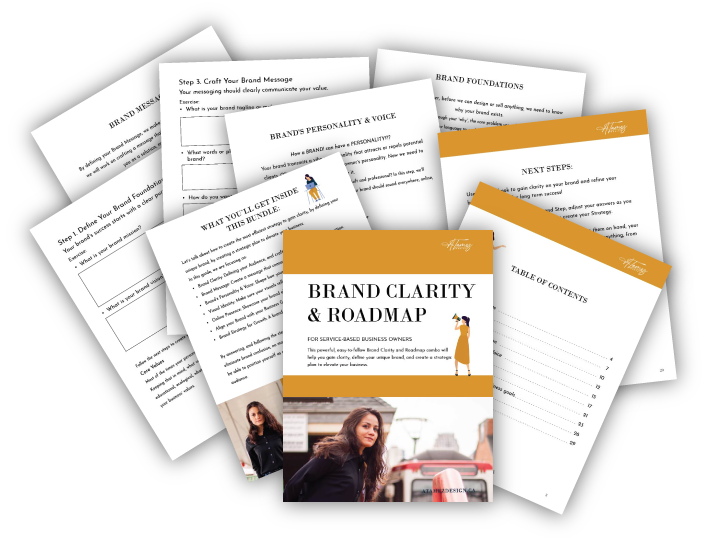
For just $99, you’ll get:
- A guided workbook to define your ideal audience and messaging.
- A strategic roadmap to align your visuals with your business goals.
- Actionable insights you can use whether you’re DIY-ing or working with a designer.
- 35 pages for you to define your business foundation!


